Photos
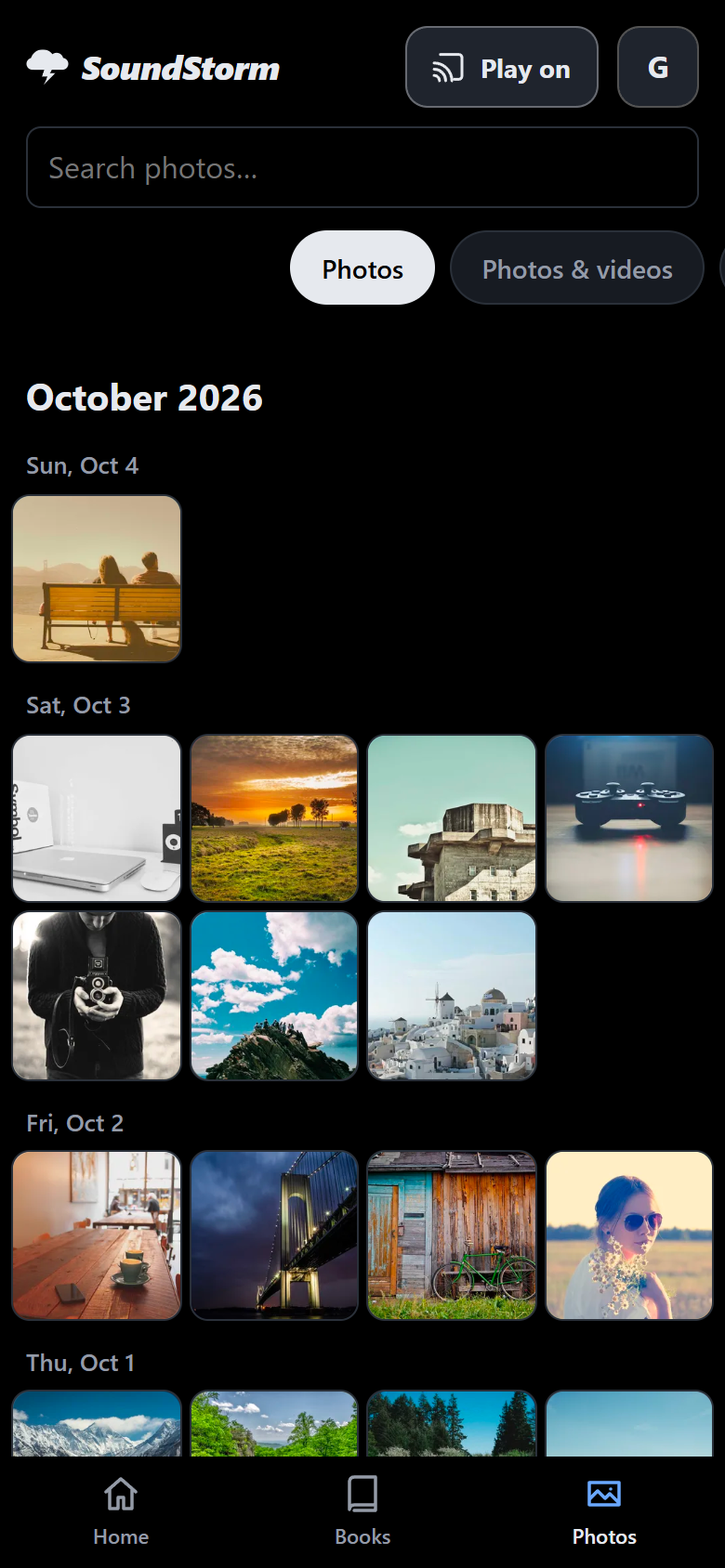
Every phone backs up by itself. A timeline of months and days, people and places, videos and Live Photos. Bring your library in from Google or Apple, and send photos to each other.
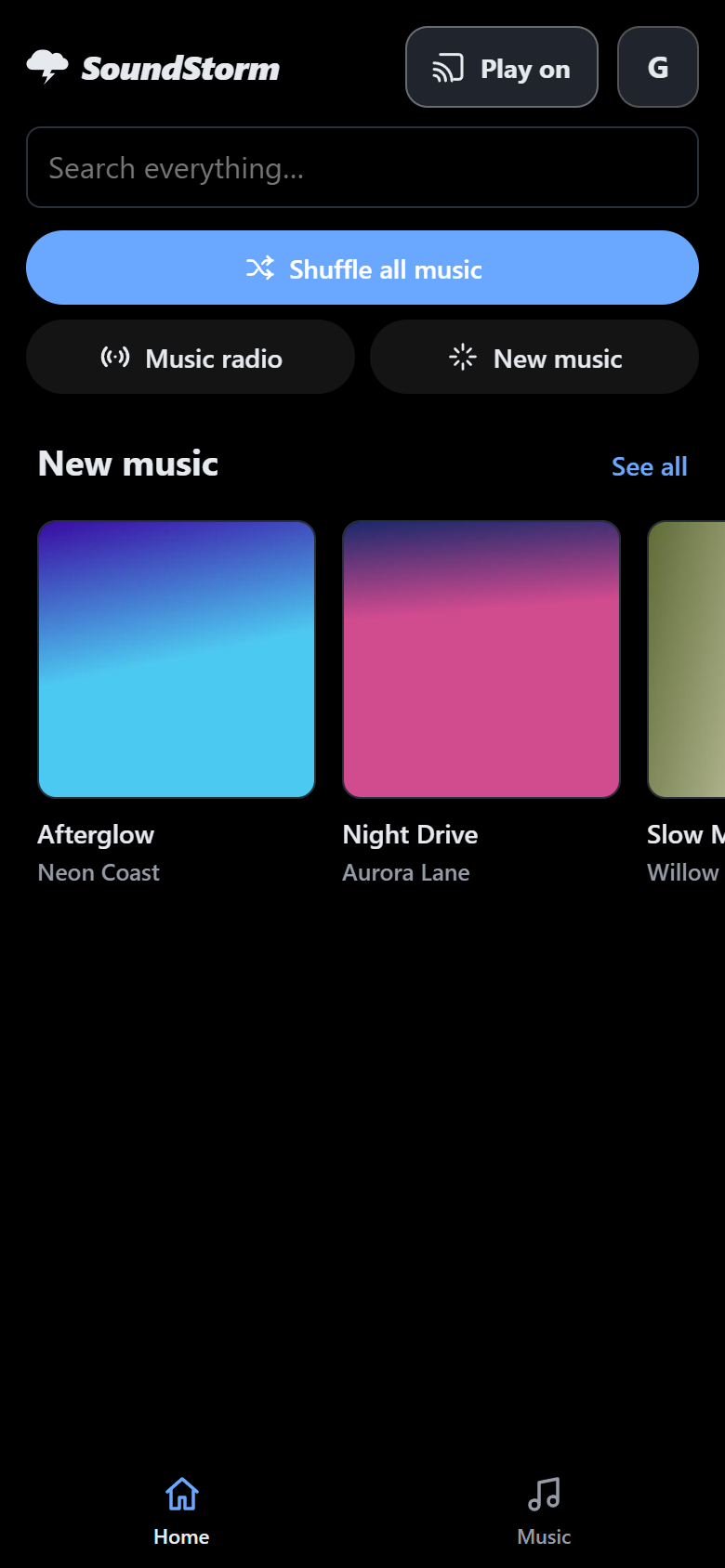
One app for your family's photos, films, TV, music, audiobooks and books, on every phone and TV. It runs on a computer in your house, so your memories stay yours. Free, open source, and no subscriptions.
Windows, Mac and Linux · Apps for Android and Google TV · iPhone and Apple TV coming soon


Not a server to manage: one sign-in, one search, one app your whole family just uses.
Every phone backs up by itself. A timeline of months and days, people and places, videos and Live Photos. Bring your library in from Google or Apple, and send photos to each other.
Shows season by season, carry on where you stopped, subtitles and audio languages, Up next. Start a film on your phone, watch it on the TV, and control it from your phone.
Albums, artists, playlists, radio and moods, synced lyrics, and animations that move with every beat. Bring your playlists from Plex.
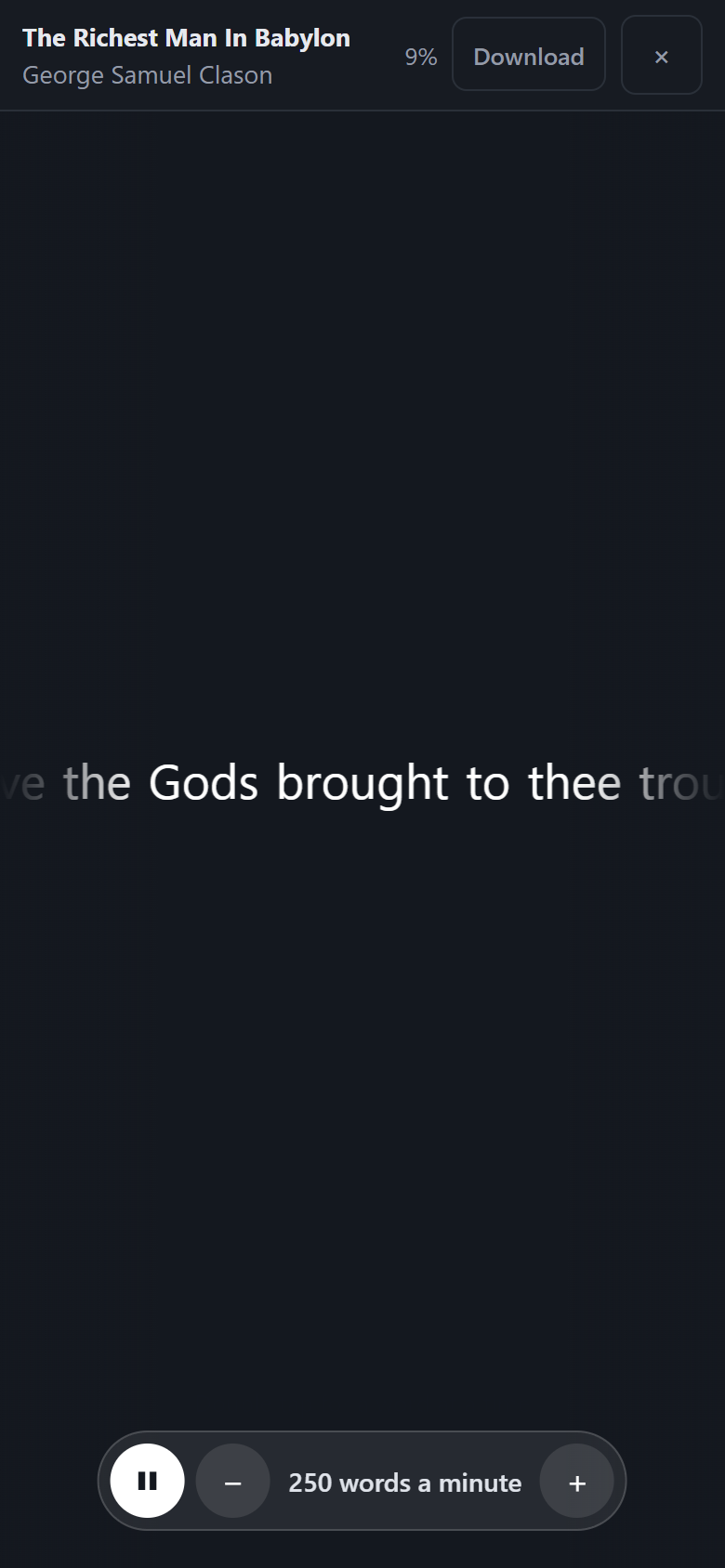
Chapters, speed and a sleep timer. Read along as the page turns with the narrator, or read alone at your own pace. Turn any ebook into an audiobook, on your own computer.
Everyone gets their own sign-in, favorites, places in books and their own private photos. Invite family with a QR code.
Works on your Wi-Fi from the first minute, and away from home with a secure address of its own. No account with anyone.
Your photos, films, music, searches and passwords stay on your own computer. SoundStorm only contacts the internet for its secure address, for updates, and for things you switch on.
Every line is public, under the GNU AGPL, so anyone can check what it does. No subscriptions, no ads, no account to make.
About 10 to 30 minutes, mostly downloading. You need a computer that stays on, ideally with 16 GB of memory.
A small, quiet box with SoundStorm already on it. Plug it into power and your router, scan the code on the sticker with your phone, and make your account. Nothing to install, nothing to configure.
The box is in testing now. Leave your email to hear when it's ready.
Tell me when it's ready